Reviewed and updated August 29, 2026 by the binom.courses editorial team · how we test
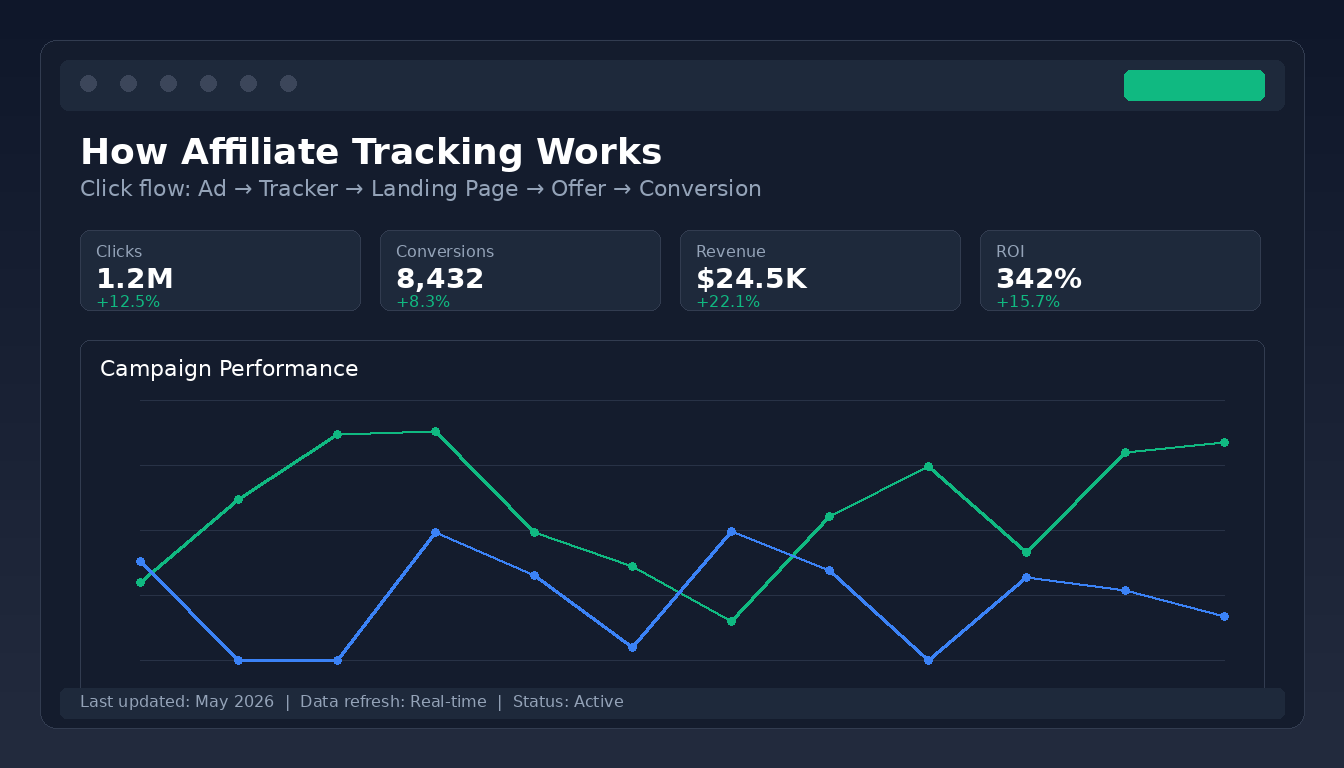
An affiliate tracker is a redirect server with a database behind it. A user clicks your ad, lands on the tracker for a few milliseconds, gets stamped with a unique identifier and a record of where they came from, and is sent onward to a landing page or offer. Later, when that person converts, the network posts the same identifier back. The tracker joins the two halves and can finally tell you that this creative, on this placement, in this country, on this device turned $0.14 of ad spend into $2.40 of revenue.
That join is the entire product. Everything else a tracker does — rotations, split tests, cloaking, API cost import, dashboards — is built on top of it.
Why the ad platform's own numbers are not enough
Every traffic source reports conversions. The reason affiliates still buy trackers is that each platform can only see its own slice:
| What sees it | Knows the cost | Knows the revenue | Knows the placement | Knows the user's path |
|---|---|---|---|---|
| Traffic source dashboard | Yes | Only what you tell it | Yes | No |
| Affiliate network dashboard | No | Yes | No | No |
| Your analytics tool | No | Partially | Sometimes | Yes, until the redirect |
| Your tracker | Yes | Yes | Yes | Yes |
Nobody else in the chain has both sides. The network does not know what you paid; the platform does not know what you were paid. Only the system that issued the click ID can join them, and that system is the tracker.
The click's journey, hop by hop
The ad is served
The traffic source renders your creative. At this moment your tracking URL is already built, with the platform's macros embedded in it — {campaign_id}, {site}, {click_id} and so on. The platform fills those in at serve time.
The click hits your tracker
The tracker writes a row: timestamp, IP-derived geo, user agent, device, the traffic source's own IDs, your cost data if the source passes it, and a click ID it generates itself. This is the row every later report is built from.
The tracker decides where to send the user
If you have one landing page, it redirects. If you have a rotation, it picks a variant by weight. If you have rules — country, device, ISP, time of day — it applies them. This is where a tracker stops being passive measurement and starts being infrastructure.
The user reaches the lander or offer
Your click ID travels along in the URL, into whichever sub-parameter the network exposes for it. This is the single most fragile link in the chain and the one that most often breaks silently.
The conversion fires
The advertiser records a sale or a lead and tells the network. The network fires a postback to your tracker's URL, carrying your click ID and usually the payout.
The join happens
The tracker looks up that click ID, attaches the revenue to the original click row, and every report you have suddenly has a revenue column that is accurate down to the placement.
Step four is where most setups fail, and it fails quietly. The campaign still runs, clicks still accrue, and conversions simply never appear - which looks identical to a bad offer. Before spending, push one click through by hand and read the click ID off the offer page's URL with your own eyes.
What a tracker records that you cannot get elsewhere
A serious tracker stores twenty to forty dimensions per click. The ones that change decisions most often:
Placement or site ID
On native, push and pop, one publisher out of hundreds is usually carrying the losses. Without placement-level data you cannot blacklist it, and the campaign looks unprofitable overall.
Creative and headline
CTR is visible in the platform. Post-click quality is not - and the highest-CTR creative frequently has the worst conversion rate.
Device, OS and browser
A lander that breaks on one mobile browser can eat a fifth of your traffic without a single error in your analytics.
Connection type and carrier
Wi-Fi versus carrier data changes conversion rates dramatically on mobile-billed offers.
Geo down to region
Country-level averages hide the fact that two regions inside one country can differ by 3x on EPC.
Time of day and day of week
Dayparting is one of the few optimisations available on sources that will not let you exclude much else.
What a tracker cannot do
Being clear about the limits saves a lot of wasted troubleshooting.
- It cannot see conversions the network does not report. If a network's postback is delayed or broken, your tracker is blind and there is nothing to configure on your side to fix it.
- It cannot fix a bad offer. Attribution tells you precisely which segment is losing money. It does not make the offer convert.
- It cannot fully survive privacy controls. Redirect-based tracking and server-side postbacks hold up much better than pixels, but cross-domain identity is genuinely harder than it was five years ago.
- It cannot reconcile perfectly with the traffic source. A 5–10% gap between platform clicks and tracker clicks is normal — bot filtering, time zones, and users who abandon during the redirect all contribute. A 40% gap is a bug.
The rest of this silo
Each of these takes one part of the above and goes properly deep:
What is click tracking
The mechanics of the redirect hop, what a click row contains, and why counts never match exactly.
Read →What is a postback URL
The server-to-server callback that makes the whole thing work, with real parameter names.
Read →Cloaking, explained honestly
What it is, the legitimate uses, and the line where it violates platform policy.
Read →What is a TDS
How a distribution system differs from a tracker, and when you need both.
Read →Why you need a tracker
The specific decisions you cannot make without one, with worked numbers.
Read →The metrics that matter
CTR, CR, EPC, CPA and ROI - which ones lie to you and when.
Read →When you genuinely do not need one
If you send fewer than a hundred clicks a day, promote one offer, and buy from one source that reports conversions natively, a tracker is overhead. You will learn more from reading the platform's own report carefully.
The moment any of those becomes plural — two offers, two sources, two landers — the platform reports stop being able to answer your questions, because none of them can see across the boundary. That is the real trigger, and it usually arrives within a month of spending seriously.